CoMo, the tiny model that generates sound through movement
Article published on 5 May 2026
Reading time: 7 minutes
CoMo
Article published on 5 May 2026
Reading time: 7 minutes
In this new series, HACNUMédia invites readers to explore the tools shaping contemporary digital creation. Not only the most visible ones, but also those circulating at the margins of dominant trends. Here, the focus is on CoMo: a web-based environment developed at IRCAM that uses small machine learning models to link gestures to sounds. Technically, it is AI. In practice, it has very little to do with what that term commonly evokes today.
Following our article on tiny models and ecological alternatives to generative AI, CoMo illustrates another possible approach: frugal, embodied, collective. Developed for nearly ten years by IRCAM’s ISMM team, the tool remains relatively discreet, known mainly within circles of musical research and experimental sound creation.
“Co” stands for collective. “Mo” stands for movement. Two words that capture what CoMo aims to do: enable groups of people to play with sound together by moving.
“The main idea was to do things collectively. Not just an interface for a single user, but a group of people interacting together,” explains Frédéric Bevilacqua, Research Director at IRCAM and head of the ISMM team (Interaction Sound Music Movement).
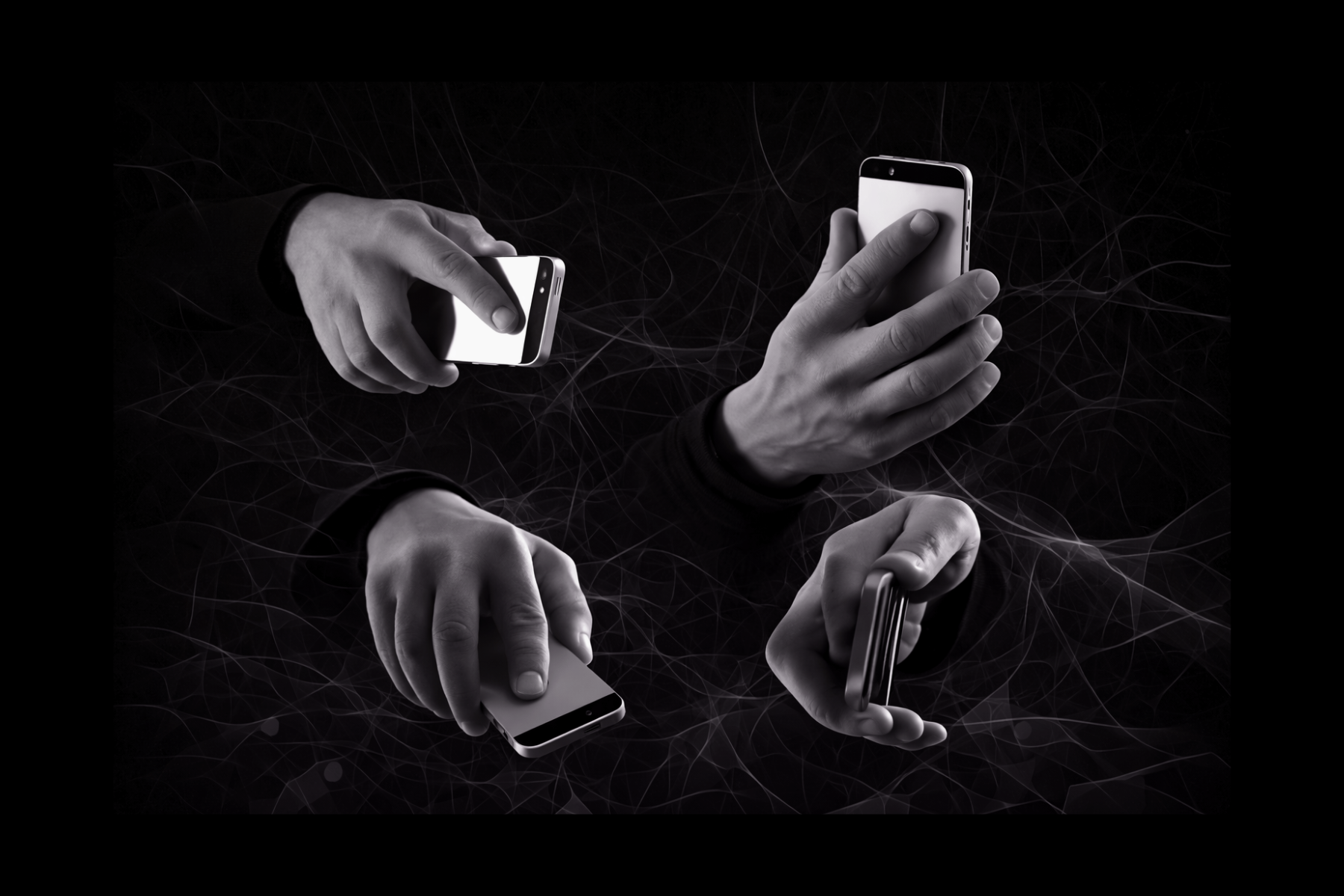
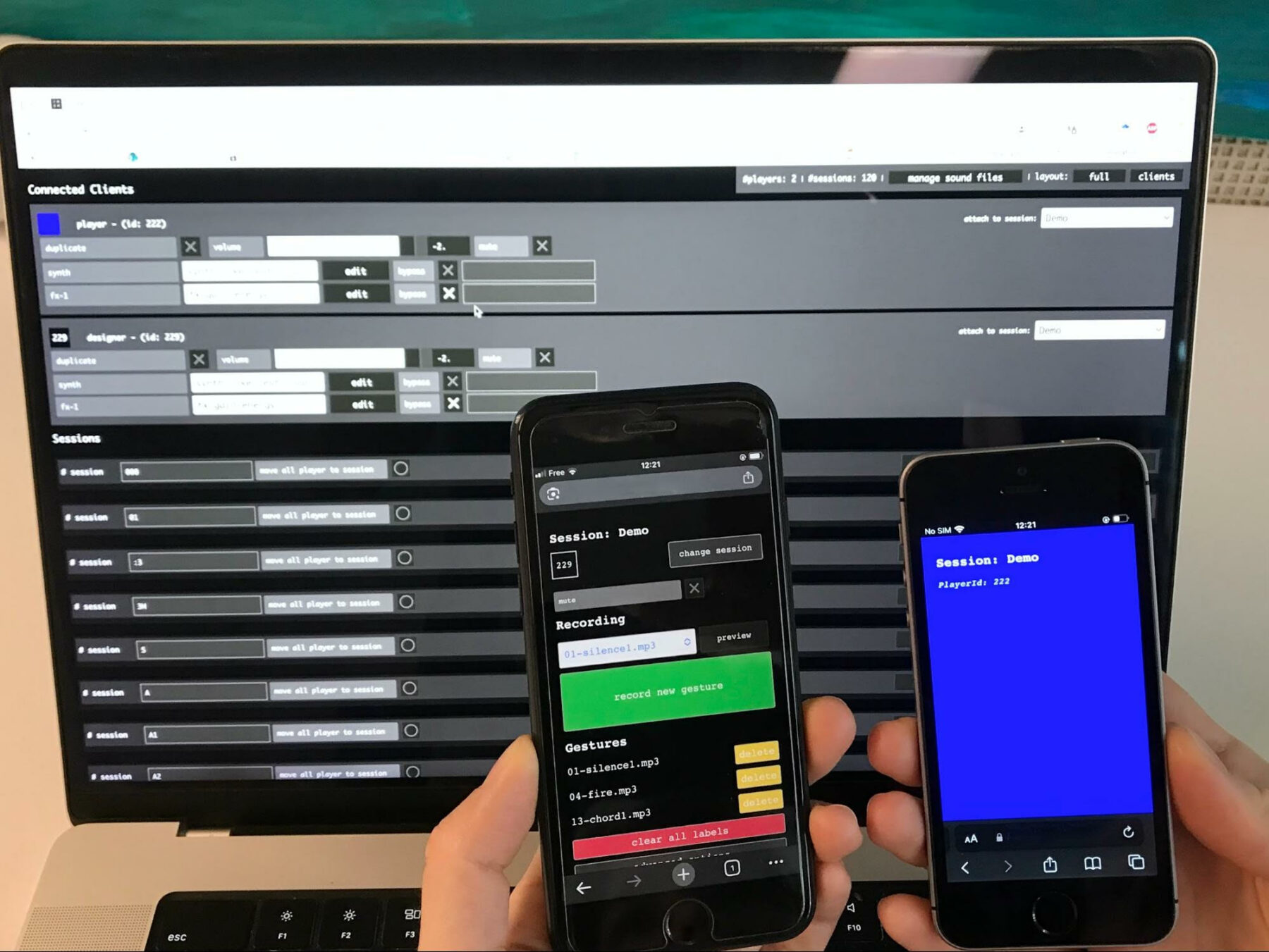
This focus on gesture as a sonic interface is not new: the ISMM team has been working on gesture-based sound control since the mid-2000s. CoMo, whose earliest versions date back to 2017, builds on this lineage. The tool is accessible directly through a web browser, requires no installation, and is open source. For motion sensing, no specialized hardware is needed: a smartphone is enough. Not for its screen—deliberately diverted from its usual function—but for its built-in accelerometers and gyroscopes. The different versions of the application, mainly developed by Benjamin Matuszewski (CoMo Elements, CoMo Vox, CoMo.Education, and CoMo Rehabilitation), share the same core engine: interfaces adapted to different contexts of use.
CoMo uses machine learning techniques. But calling it “AI” in 2026 is almost misleading.
“Now, compared to the popular imagination, we can’t really call this AI anymore,” acknowledges Frédéric Bevilacqua.
large language modelsCoMo belongs to what researchers call interactive machine learning: more traditional, lightweight models that can be trained with very little data—sometimes a single gesture—in just a few seconds, directly on a smartphone processor.
“Within the realm of small data, these are really the smallest. Tiny, tiny models, ” Frédéric summarizes. This is intentional: the term “AI” was deliberately avoided so as not to distance audiences drawn to gesture, the body, and music. Another key distinction between CoMo and current AI tools lies in the role of training within the process. There is no separate phase: you record a gesture, associate it with a sound, test it, adjust it. All of this unfolds within the same creative gesture.
“Training is fully integrated into the design. At any moment, you can record or modify. It’s extremely flexible,” explains Frédéric.
In practice, using CoMo comes down to four steps:
record a gesture
associate it with a sound
test
refine
Repeat as many times as needed. The workflow is intentionally minimal—and that is precisely where the tool’s strength lies.
To get started, there are two scenarios. The simplest is to connect directly to the version hosted by IRCAM, accessible through any browser. No installation, no account required. The available sounds are predefined and the session is temporary, but this is more than sufficient for a first workshop or quick introduction.
The second scenario, for those wishing to work with their own sounds, involves installing CoMo on a local machine. This requires some technical familiarity—modern browsers now impose secure HTTPS protocols to access sensors, among other constraints—although a new application currently under development should soon simplify this step. Once installed, a simple Wi-Fi router is enough to create a local network to which smartphones can connect. For practitioners already equipped with creative tools, bridges with Max / Max For Live, TouchDesigner, or other creative development environments are also being prepared.
Artist-researcher Hugo Scurto followed the development of CoMo from within, evolving alongside the ISMM team without being directly involved in its design. Their first workshops with the tool took place at the Beaux-Arts in Marseille, working with children:
“The idea was to create sound-based storytelling through movement. We recorded sounds in the street, then retold them through gesture.”
Participants receive smartphones, learn a few gestures, and compose short performative scenes—all without writing a single line of code.
Since September 2025, this exploration has continued in a more unexpected setting. Supported by the Association Régionale pour l’Intégration (ARI), Hugo now leads weekly sessions in a child psychiatric care center with four children, alongside a psychologist and a psychomotor therapist. Second-hand smartphones are attached to foam balls, allowing movement without focusing on the screen—so that the object becomes musical.
In this context, it is often when the application misbehaves that something truly happens.
“It’s almost the error that becomes more generative than the perfectly smooth functioning of the algorithm,” Hugo observes.
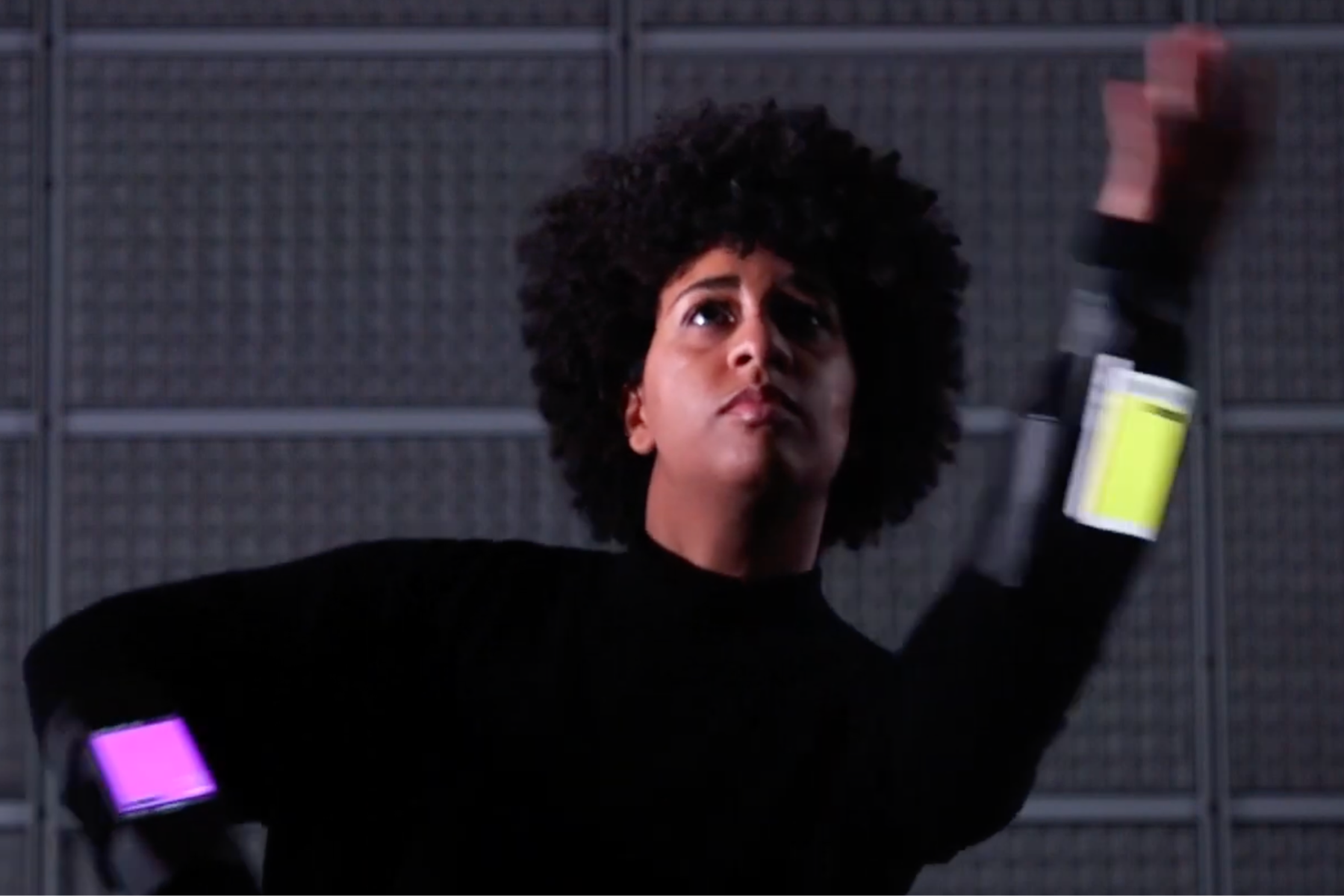
In 2019, composer Michelle Agnes Magalhaes pushed the tool in an unexpected direction during a residency at IRCAM with Constella(c)tions, a piece that does not rely on gesture recognition. Instead of a defined gesture vocabulary, the work maps raw phone parameters—energy, orientation, speed—directly onto sound filters. Performers wear smartphones on their wrists and interact with large physical ropes, while the audience takes part as well. The piece unfolds in varied spaces, off-stage, with a permeability between performers and spectators at the core of the proposal.
This example shows that CoMo can be diverted far beyond its basic functioning, and that the “co” in its name is more than a promise.
Start with the online version—don’t rush into installation
CoMo is accessible directly through a browser, without installation or account creation. This is the best entry point: connect, record a gesture, link it to a sound, and within seconds the principle becomes clear. There is no need to attempt a local installation before exploring what the tool already offers.
Choose bold gestures rather than precise ones
A common beginner’s impulse is to seek perfect recognition. It is better to begin with highly contrasted gestures—for instance, a large sweeping motion versus a still posture. CoMo is not a precision tool; it is a playful one. Accepting imprecision—even error—is often what unlocks its most interesting possibilities.
Think collectively from the outset
CoMo can be used alone, but that is not where it feels most alive. The tool was designed for multiple participants to interact simultaneously, share models, and respond to one another. A workshop with two or three people—even informal—reveals dimensions of the tool that solitary exploration rarely uncovers.
Romain Astouric