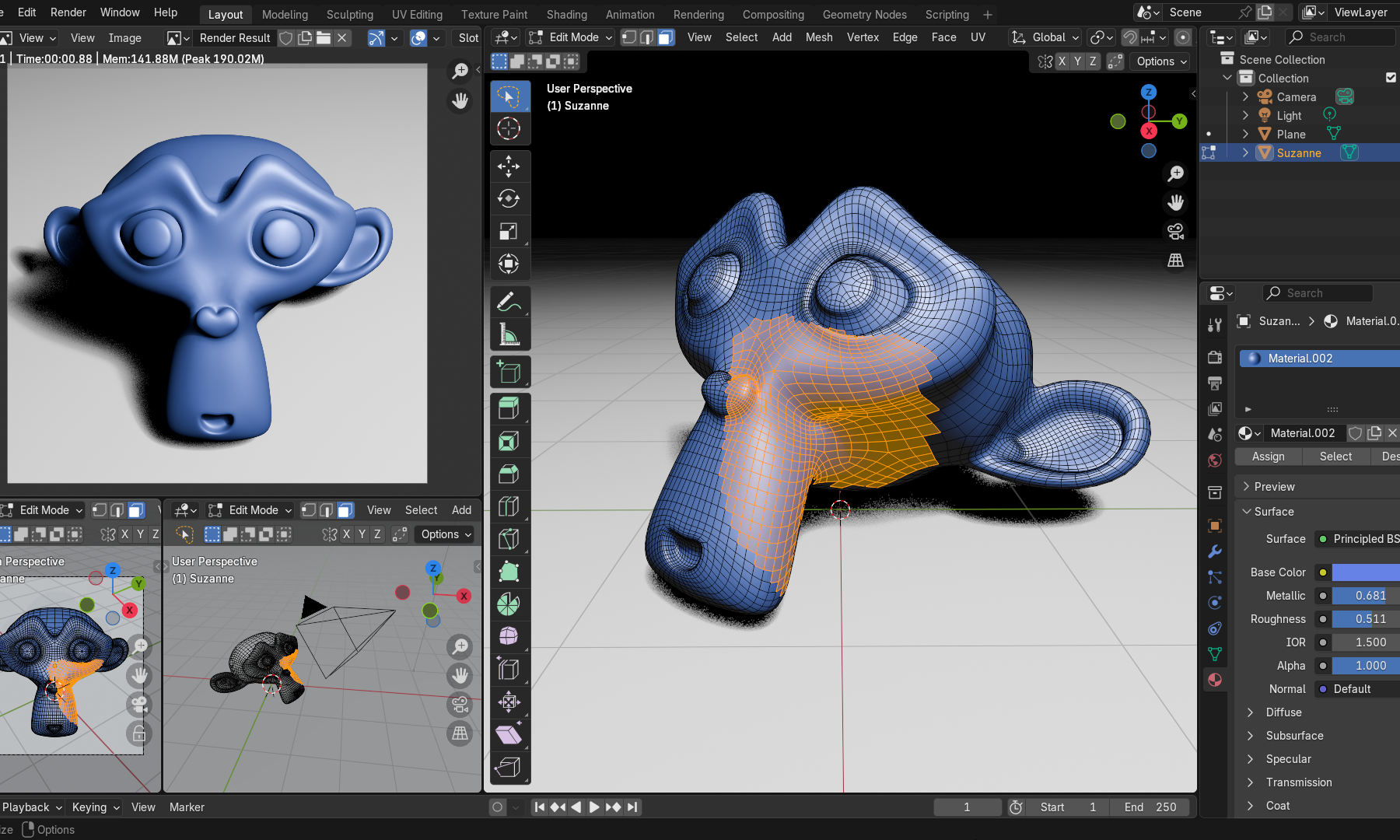
Creative Commons - Blender 4.3.2 user interface with split windows, the scene contains
Behind every major digital creation tool lies an active community that maintains, shares, and continually evolves its practices and knowledge. HACNUMedia continues its exploration of the tools shaping digital art and fundamentally transforming the ways artists create and distribute their work. This time, we’re taking a closer look at Blender.
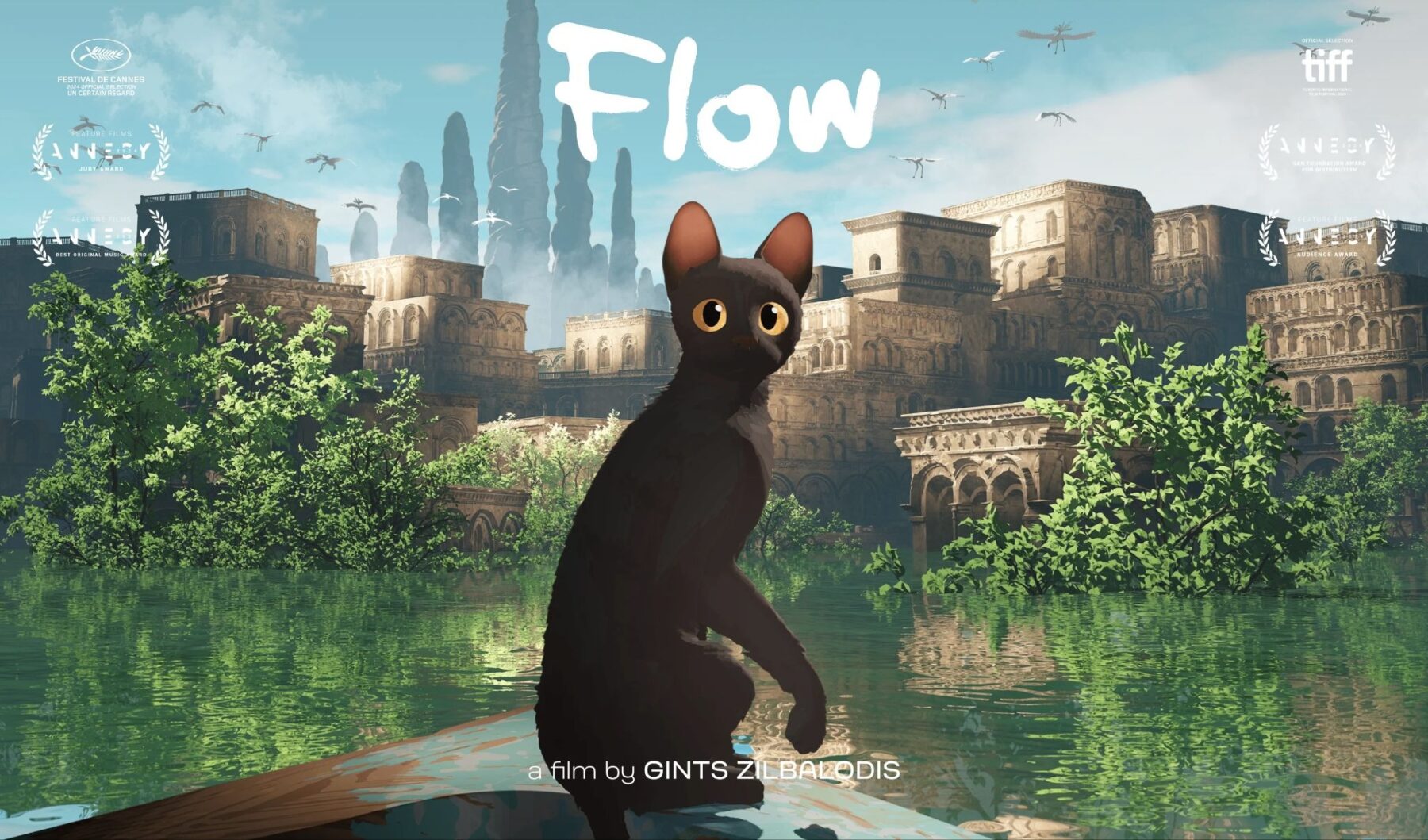
It’s hard to say Blender has remained under the radar. In March 2025, Flow, the Latvian animated feature co-produced in Paris by Sacrebleu Productions, won the Academy Award for Best Animated Feature with a budget of just €3.5 million and a crew of around twenty people. The software behind it? Blender: a free, open-source 3D suite developed by a nonprofit foundation, with no shareholders and no subscription fees.
What It Does: A Complete 3D Production Suite
Blender is a 3D creation software package. But that definition hardly captures what makes it unique. While competitors such as MayaCinema 4D, Houdini, 3ds Maxoffer specialized—often complementary—tools that typically cost hundreds of dollars per seat each year, Blender brings the entire production pipeline into a single application: modeling, digital sculpting, rigging, animation, simulation, rendering, and even video editing. All for free.“Discovering Blender felt like a huge weight had been lifted off my shoulders. I stopped feeling constrained and genuinely started enjoying my work again. It offers the same workspaces and tools as any other professional 3D software, but in my opinion the interface and workflow are much smoother and more intuitive. On top of that, Blender keeps improving with every release based on user feedback, adding new features, tools, and stability without sacrificing usability or workflow,” says Léo Silly-Pélissierwho speaks enthusiastically about the software.
This versatility is no accident. It is the direct result of an unusually collaborative development model. In 2002, after Blender’s publisher went bankrupt and the software was on the verge of disappearing, its creator Ton Roosendaal launched a campaign to buy back the source code and release it to the public. The goal was to raise €100,000 from the user community. The target was reached in just seven weeks. Blender was released under the GPL license and, for more than twenty years, has continued to be developed collectively and in the open.
What Makes Blender Unique: A Non-Commercial Model—and Why It Changes Everything
Blender may be free, but what truly sets it apart is the organization behind its development. “Blender is much more than just a piece of software—it’s a community and a philosophy that proves it’s possible to build something better, and differently,” Léo continues. Development is overseen by the Blender Foundation, a nonprofit organization funded through individual donations and corporate memberships. Contributors include Epic Games, Netflix Animation Studios, AMD, Intel, and Wacom. One fundamental rule, however, applies to everyone: donors have no influence over the software’s roadmap—not individuals, not major studios. The Foundation sells nothing to its community, ensuring that it never competes with the artists and studios who make a living using Blender. “Driven by the widespread availability of powerful, affordable computer hardware, Blender has enabled the emergence of digital artist communities that simply wouldn’t have been possible a few years ago. The Blender Foundation deserves enormous credit for staying the course and nurturing both the software and its communities over the past thirty years. Alongside Wikipedia and the Internet Archive, Blender stands as one of the internet’s great success stories,” says digital artist and educatorJules Camille Huvig.
This model is about far more than money. It’s about longevity—and digital artists know exactly how valuable that is. Flash remains the clearest example. For nearly fifteen years, it was the de facto standard for web animation and interactive creation. Thousands of artworks, projects, and entire creative practices were built around it. When Adobe ended support for Flash in 2020, a significant portion of that cultural heritage became inaccessible or required enormous preservation efforts. Perhaps more than artists in any other field, digital creators understand that relying on proprietary software ultimately means renting access to your own practice.
Learning, Building Community… and What’s Next?
Blender benefits from an educational ecosystem that is exceptional for software of this complexity. The universal starting point remains Blender Guru‘s famous “Donut Tutorial“—a YouTube series that has become a rite of passage for millions of users around the world, entirely free of charge.
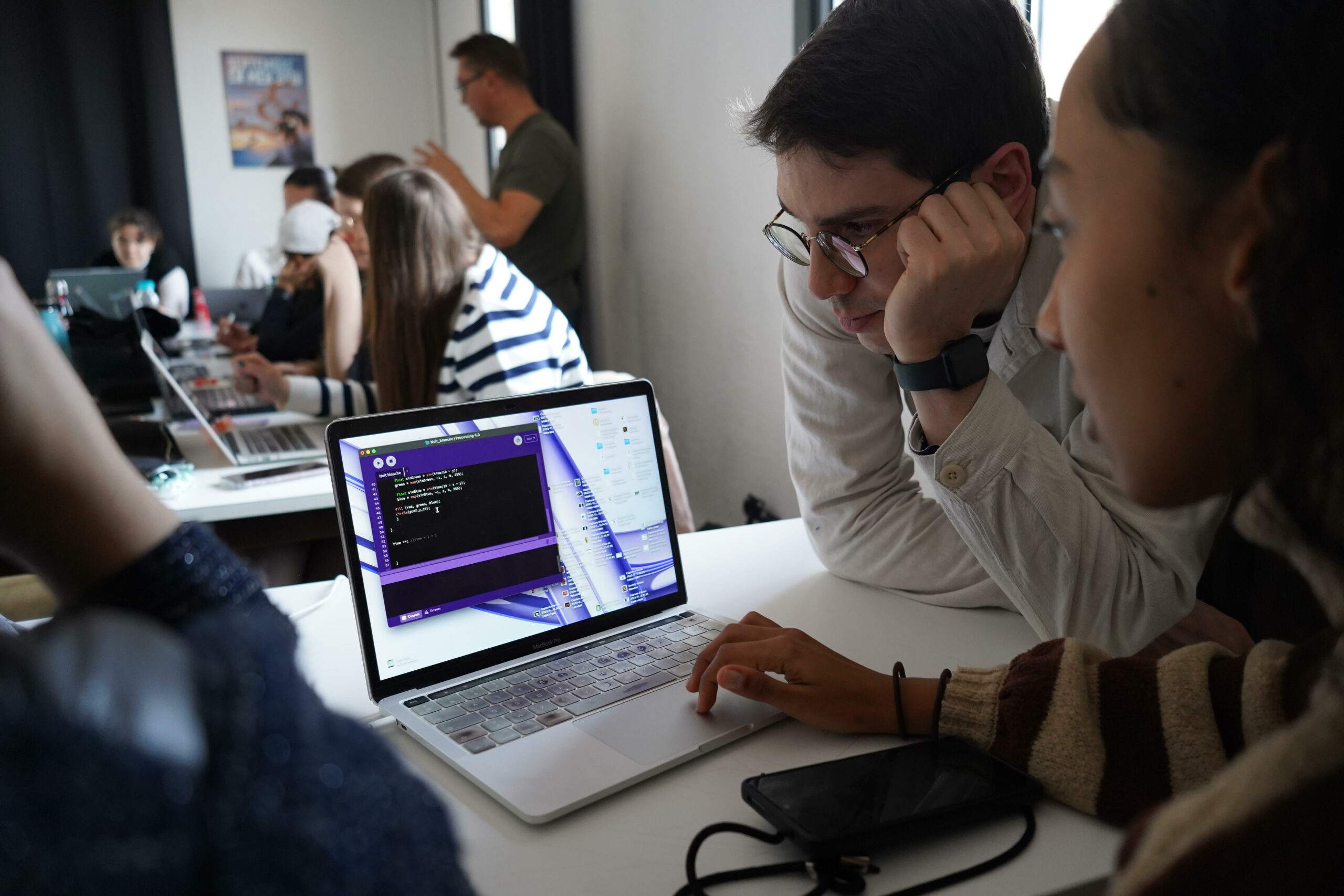
“I started learning Blender mostly on my own. Because it’s so accessible, you can find everything you need online to get started, including intermediate and advanced YouTube tutorials, so it’s easy to keep improving. What I enjoy most is watching livestreams or videos that show someone’s entire creative process—not just isolated tutorials,” explains creator Andresa Augstroze. In the French-speaking world, art schools have embraced the shift, with Gobelins leading the way. Blender is now integrated into their curricula—not as an alternative to Maya, but as a fully fledged creative tool. Here again, its open-source nature represents a major advantage, as motion designer and instructor Yohann Jaffres explains: “There’s no registration process and no license management. That flexibility completely changes students’ mindset. They can fully invest themselves in learning Blender without worrying that, after graduation, they’ll have to start paying for it—or, let’s be honest, resort to pirated software. With Adobe or other proprietary tools, that question always comes up.”
By 2026, the Blender community is more vibrant than ever. It is organized around highly active support hubs such as the French-language Discord servers Blender France and BlenderLounge, although international communities remain essential. These include the Blender Community, with more than 200,000 members worldwide, the Blender Stack Exchange and Blender Artists forums, and the r/blender subreddit, all of which serve as major spaces for technical discussion and community support. This online momentum extends into the physical world through Blender User Groups (BUGs), with particularly active communities in Toulouse (hosted by the Artilect FabLab), Montpellier (organized by the Montpel’libre association), Geneva, Metz, Paris, and Montreal, where learning Blender becomes a genuinely social experience. The highlight of the year remains the Blender Conference (BCON) in Amsterdam, an annual pilgrimage where enthusiasts, developers, and studios gather to help shape the future of open-source digital creation.
And What About Digital Art?
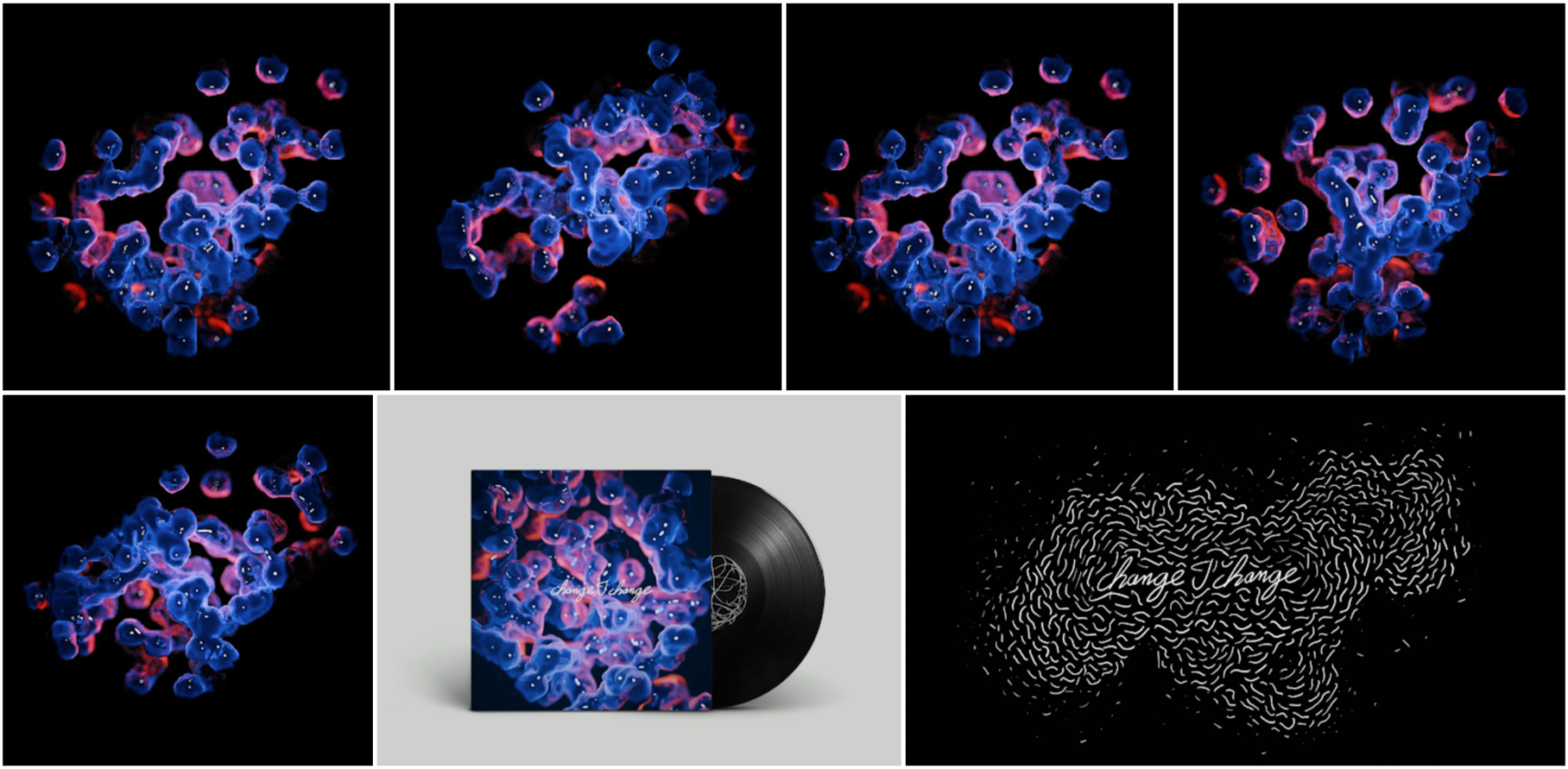
Blender has firmly established itself in animation schools and film studios. Yet perhaps its greatest potential remains the least documented: artistic practices that are not aimed at producing films, but installations, performances, or immersive experiences. For artists working at the intersection of sound, image, and space, Blender often comes into play upstream of the creative process. It is used to model objects, generate procedural geometries, and animate elements that are later driven or rendered in real time using TouchDesigner, Resolume, or Notch. But it can also complement and expand creators’ existing toolkits—and, in doing so, broaden their creative possibilities.
Stéphane Buellet, graphic designer and creative coder (co-founder of Machines (2025), formerly with Chevalvert from 2007 to 2025), can attest to this: “I use Blender in two fairly distinct ways. The first is the more traditional one: modeling and scenography. I design interactive light installations and visualize them in space to anticipate how they will be built. The second, which is more fundamental to my graphic design practice, revolves around Geometry Nodes. […] This environment allows me to develop my ideas and quite literally ‘knit’ them into geometric forms. It’s a non-destructive workflow: each node applies a transformation without ever permanently altering the source geometry. At any moment, I can move back up the node graph, adjust a parameter, disable a step, or insert a new one—nothing is ever fixed. That’s where my series, such as Micrologies, come from, and I regularly share excerpts of them on Instagram.”
For artists and creators who do not necessarily come from backgrounds in 3D modeling or animation, a recent development could prove transformative. Since early 2026, community-driven projects have made it possible to control Blender through natural-language AI assistants: describing a scene, modifying geometry, or generating a material without ever touching the interface. Practices that were once reserved for those with the time to master complex software may soon become accessible to entirely new audiences. AI will never replace a genuine understanding of a creative tool, whatever that tool may be, but it may offer a new gateway. Neither the first, nor the last.
Our Three Tips
1. Start with a project—not the software. Blender is so comprehensive that it’s easy to spend weeks navigating menus without actually creating anything. Instead, begin with a concrete, achievable goal: model an everyday object, animate a simple shape, or recreate an image you like. Blender Guru’s famous Donut Tutorial works so well precisely because it has you build something within the first hour instead of explaining the interface in the abstract.
2. Choose one entry point—not the entire workshop. Modeling, animation, Grease Pencil, Geometry Nodes, video editing… Blender contains the equivalent of a dozen different professions. Trying to learn everything at once is probably the fastest way to give up. It’s far more effective to focus on the area that best matches your own practice, and only explore the others when a project actually requires them.
3. Don’t learn alone. Blender’s greatest strength isn’t just the software—it’s the people around it. French-language Discord servers, forums, local Blender User Groups, YouTube channels: whatever problem you run into, chances are someone has already encountered it and documented the solution. Becoming part of this knowledge-sharing ecosystem early on—even as a quiet observer—will save you an enormous amount of time. More often than not, it’s also what makes people want to keep going.